

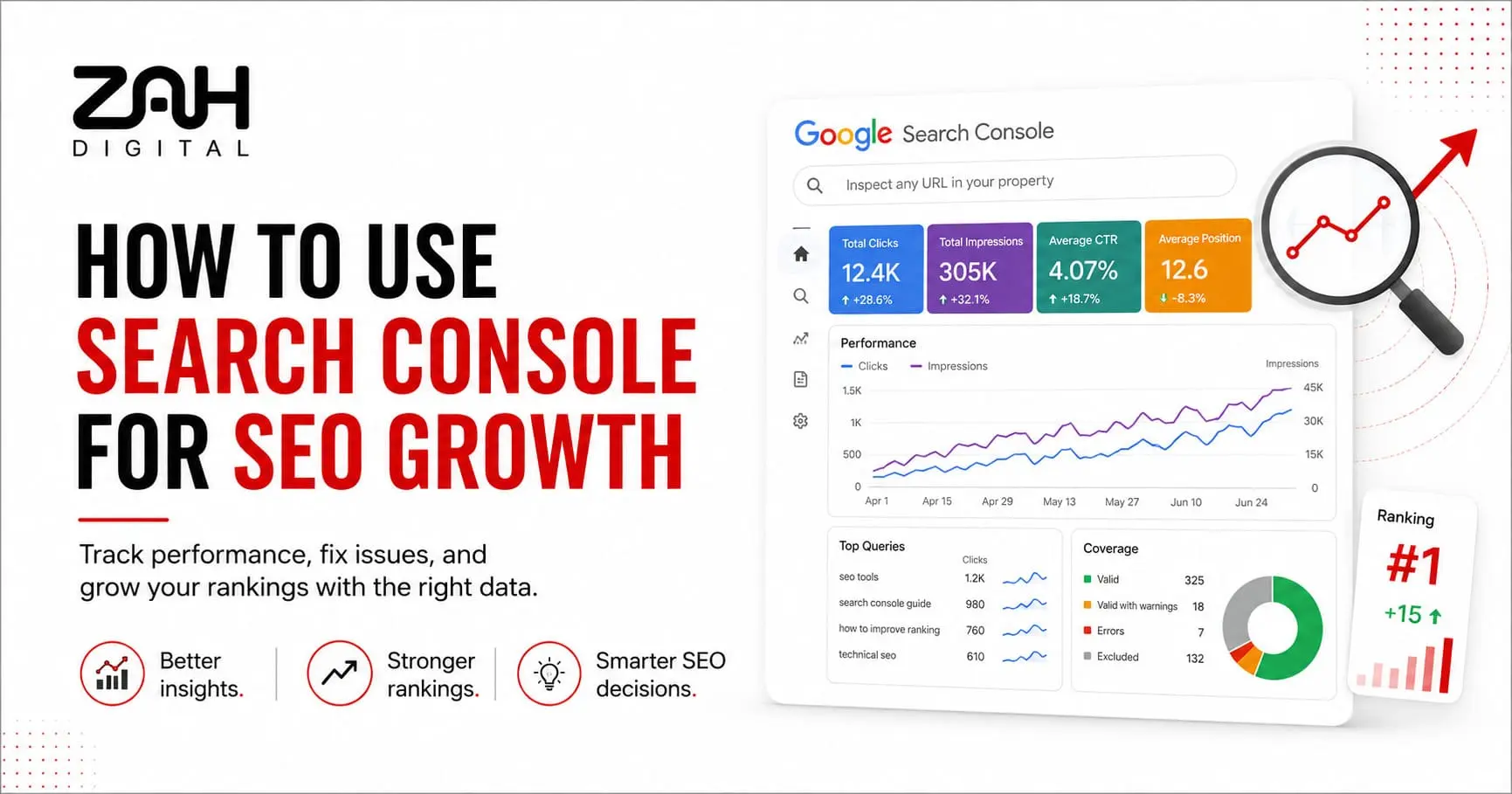
Guesswork can rarely lead to sustainable search rankings. To grow organic visibility. Businesses need accurate data about how Google finds. Understands and displays their website. That is exactly where Search Console for SEO will become valuable.
Google Search Console will show which queries bring visitors to your pages. Whether Google can index your content. Also what technical issues will restrict performance. But collecting data alone will not improve rankings. You must turn each report into a practical SEO growth strategy.
At ZAH DIGITAL. We use Search Console insights. To identify missed opportunities. Resolve technical barriers. Also improve the pages that already show ranking potential.
What Is Google Search Console?
Google Search Console is a free platform. That helps website owners monitor their presence in Google Search. Unlike Google Analytics. Which focuses mainly on user behaviour after a visit. Search Console will explain what happens before someone clicks.
Its reports reveal:
- Search queries and ranking positions
- Impressions. Clicks and click-through rate (CTR)
- Indexed and excluded website pages
- Mobile usability and page experience issues
- Backlinks and internal links
- Core Web Vitals performance
- Security concerns and manual actions
Therefore, a practical Google Search Console tutorial should focus on decisions, not simply dashboard features. Get details on SEO Service in Dubai.
Setting Up and Verifying Your Website
First, add your website as either a Domain property or URL-prefix property. A Domain property will cover every protocol and subdomain. While a URL-prefix property will track only the exact address entered.
Google offers several verification methods. This includes DNS records. HTML files. Meta tags and Google Analytics. DNS verification will usually provide the broadest coverage. Once verified. Google will begin collecting data. Although historical information may will a little time to appear.
Additionally, connect the correct website version. Tracking the wrong HTTP, HTTPS, www or non-www variation can create incomplete reports.
Tracking Keyword and Search Performance
The Performance report is central to organic traffic tracking. It displays clicks, impressions, average position and CTR for queries, pages, countries and devices.
For instance, a page ranking between positions 8 and 15 may need stronger content, clearer headings or better internal links. Meanwhile, a page with high impressions but a low CTR may need a more persuasive title and meta description.
Review keyword performance by comparing:
- Branded and non-branded queries
- Mobile and desktop results
- Current and previous periods
- High-impression, low-click keywords
- Queries ranking near page one
So your team can focus on realistic ranking opportunities. Rather than chasing broad keywords. With little commercial relevance.
Search Console Reports and What They Reveal
Search Console Report | What It Reveals | Recommended SEO Action |
Performance | Clicks, impressions, CTR and rankings | Improve promising pages and search snippets |
Page Indexing | Indexed, excluded and blocked URLs | Resolve indexing problems and duplicate pages |
Core Web Vitals | Loading, responsiveness and stability | Improve speed and page experience |
Sitemaps | Submitted and discovered URLs | Confirm that important pages are discoverable |
Links | Internal and external link signals | Strengthen internal linking and key landing pages |
The figures in Search Console represent actual Google Search data. Consequently, they offer stronger direction than relying on assumptions or third-party estimates alone. Looking for a Local SEO Service in Dubai?
Fixing Indexing and Crawl Errors
A page cannot generate organic traffic when Google cannot access or index it. Therefore, review the Page Indexing report regularly.
Common crawl errors and indexing issues include:
- Pages blocked by robots.txt
- Accidental noindex tags
- Broken redirects
- Duplicate pages without canonicals
- Soft 404 errors
- Server failures
- Crawled pages that remain unindexed
Use the URL Inspection tool. To check a specific page. It shows whether Google indexed the URL. Which canonical version it selected. Also whether mobile usability issues exist.
After fixing a problem, request validation or indexing. However, avoid submitting unchanged URLs repeatedly, as this will not force Google to rank them.
Improving CTR Using Search Console Data
Ranking position will matter. But it will not tell the full story. A page will appear thousands of times and still attract a few clicks.
Filter the Performance report for pages with strong impressions and weaker-than-expected CTR. Then review the search intent behind each query. Does the title clearly answer what the user wants? Is the description specific, useful and credible?
For example. Replacing a vague title with one that includes the service. Location and customer benefit will improve relevance. Likewise adding updated information. Clear number or a direct answer will make a listing more appealing. Get details on AEO Optimization Agency in Dubai.
Core Web Vitals and Site Health Monitoring
The Core Web Vitals report highlights page groups that provide good, poor or improvable experiences. It focuses on loading speed, visual stability and interaction responsiveness.
Search Console does not explain every technical cause. Nevertheless, it tells you where problems exist. Developers can then use PageSpeed Insights or Lighthouse to investigate large images, slow scripts, layout shifts and delayed interactions.
Meanwhile, check manual actions and security reports. Even one serious warning will affect visibility. Trust and conversions.
Related Services:
» CRO & Funnel Optimization Service in Dubai
» Social Media Marketing Service in Dubai
» Website Designing Service in Dubai
» Performance Marketing Agency in Dubai
Submitting Sitemaps for Better Indexing
A sitemap will help Google discover important URLs. Particularly on new. Large. Or frequently updated websites. Through sitemap submission. You can confirm whether Google has processed the file. Also identified its listed pages.
Keep the sitemap clean. It should contain canonical and indexable URLs. That returns successful status codes. Remove redirects. Deleted pages and URLs blocked from indexing.
Although a sitemap will not guarantee rankings. It supports faster. Also more organised website indexing.
Related Articles:
» What Is On-Page SEO and Why Is It Important?
» What Should Be Included in an SEO Report?
» How to Combine SEO and Paid Ads for Better Leads?
» Why Every Service Business Needs SEO Landing Pages?
» What is AEO and Why Should Dubai Businesses Care?
Turn Search Analytics Into Measurable Growth
Search Console will become powerful. When businesses use it consistently. Weekly monitoring will identify sudden traffic drops. Ranking gains. Indexing failures and CTR opportunities. Before they become expensive problems.
ZAH DIGITAL combines search analytics and Technical SEO. Content optimisation and conversion-focused strategy. We may not simply send automated reports. But we explain what the data means. Prioritise the right actions. Also help your website earn sustainable organic growth.
Contact ZAH DIGITAL today. For professional SEO services. Built around accurate data. Stronger visibility. Also measurable business results.
FAQs: How to Use Search Console for SEO Growth
Google Search Console will support SEO growth. By showing the keywords. Pages. Also devices generating search impressions and clicks. It will also identify indexing problems. Crawl errors and page experience concerns. Businesses will use this data to improve existing content. Strengthen technical SEO. Also focus on realistic ranking opportunities.
Yes. Google Search Console is completely free. Website owners will verify their properties. Review search performance. Inspect URLs. Submit sitemaps. Also monitor technical issues. Without paying a subscription fee. But professional analysis will still be helpful. When the reports contain complex indexing. Or performance problems.
Most businesses must check the Search Console. At least once a week. But e-commerce stores, publishers and frequently updated websites. This can benefit from more regular monitoring. Consistent reviews will help you notice traffic declines. Indexing failures. Security warnings. Also sudden changes in keyword performance. Before they cause wider damage.
Search Console will track how a website performs within Google Search. Before a visitor arrives. Google Analytics will measure what users do after entering the website. Search Console will focus on rankings. Impressions. CTR and indexing. While Analytics will focus on sessions. Engagement and conversions. Also user behaviour.
Pages will remain unindexed. Because of noindex tags. Robots.txt restrictions. Duplicate content. Weak internal links. Crawl errors. Or low-value content. Use the URL Inspection and Page Indexing reports. To identify the reason. After correcting the issue. Request indexing. Or validate the fix through Search Console.
Yes. The Performance report lists search queries. That generated impressions. Or clicks for your website. You can review each keyword’s clicks. Impressions. Average ranking position and click-through rate. But some low-volume or sensitive queries will not appear because of Google’s privacy thresholds.
Identify pages with high impressions. But relatively low CTR. Then improve their titles and meta descriptions. So they match search intent more clearly. Include a specific benefit, relevant service, location or updated detail where appropriate. Better alignment between the search query and your snippet will encourage more qualified clicks.
Crawl errors will occur when Googlebot cannot access. Or process a website page correctly. Common causes will include broken links. Server errors. Redirect problems. Blocked resources and unavailable pages. Resolving these issues will help Google discover your content efficiently. This can improve website indexing across important sections.
A sitemap is not compulsory. But it is strongly recommended. It will help Google discover important pages. Especially new and large. Or complex websites. Sitemap submission will also let you confirm whether Google can read the file. Also compare submitted URLs with the number of indexed pages.
Search Console will not automatically increase rankings. But it will provide the data needed to make better SEO decisions. By fixing indexing issues. Improving keyword targeting. Strengthening CTR and monitoring Core Web Vitals. You can create conditions that support better search visibility. Also organic traffic growth.
Compare recent performance with the previous period. Also check whether the decline affects specific pages. Queries. Devices or countries. Then review indexing, manual action and Core Web Vitals reports. Traffic may also fall because of seasonality, ranking changes, website updates or changes in search demand.
Yes. ZAH DIGITAL will set up and verify Search Console. Monitor keyword performance. Resolve indexing issues. Analyse search analytics. Also provide prioritised recommendations. Our SEO team will connect technical findings with content and conversion goals. Helping businesses turn Search Console data into sustainable organic growth.